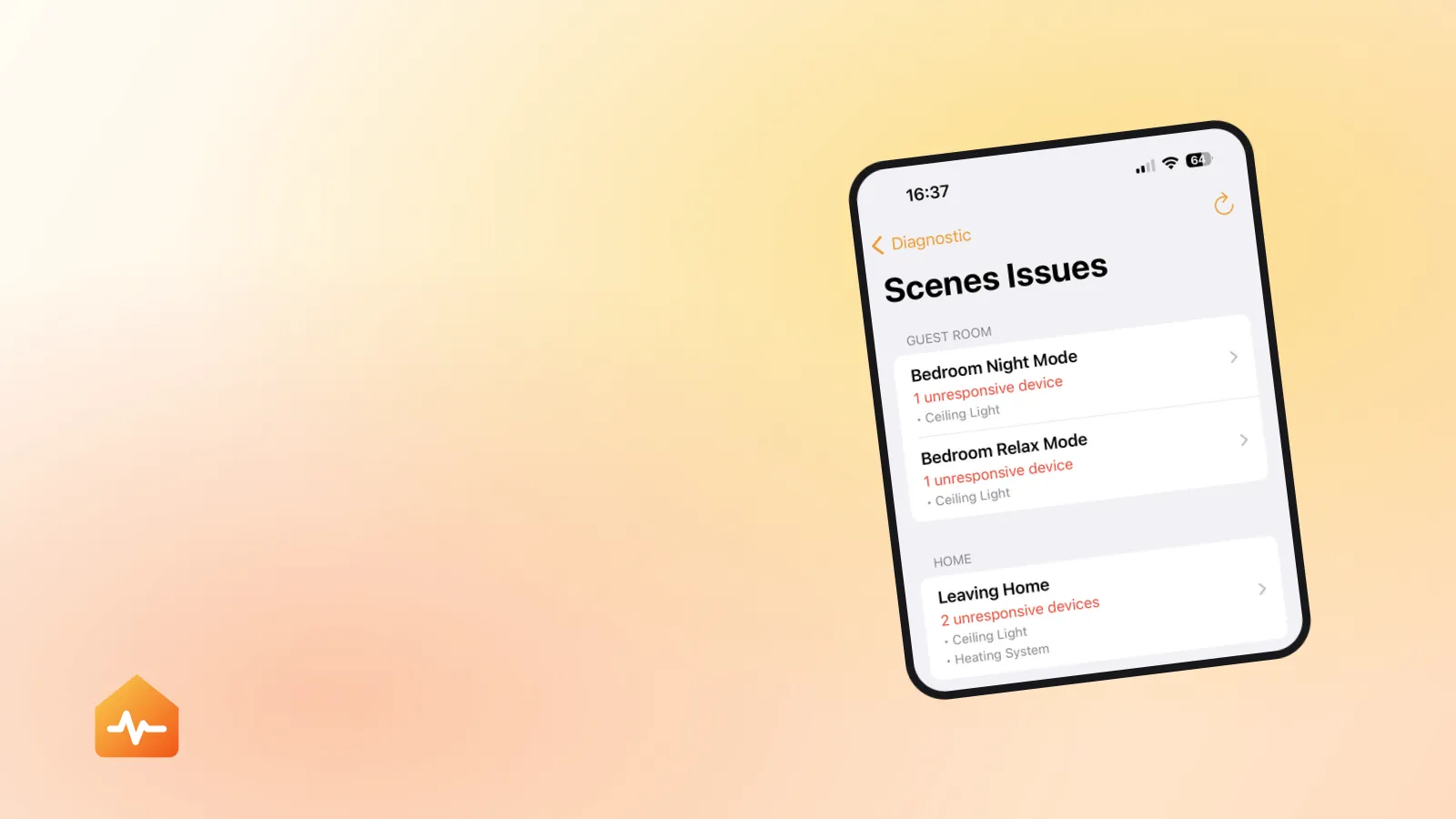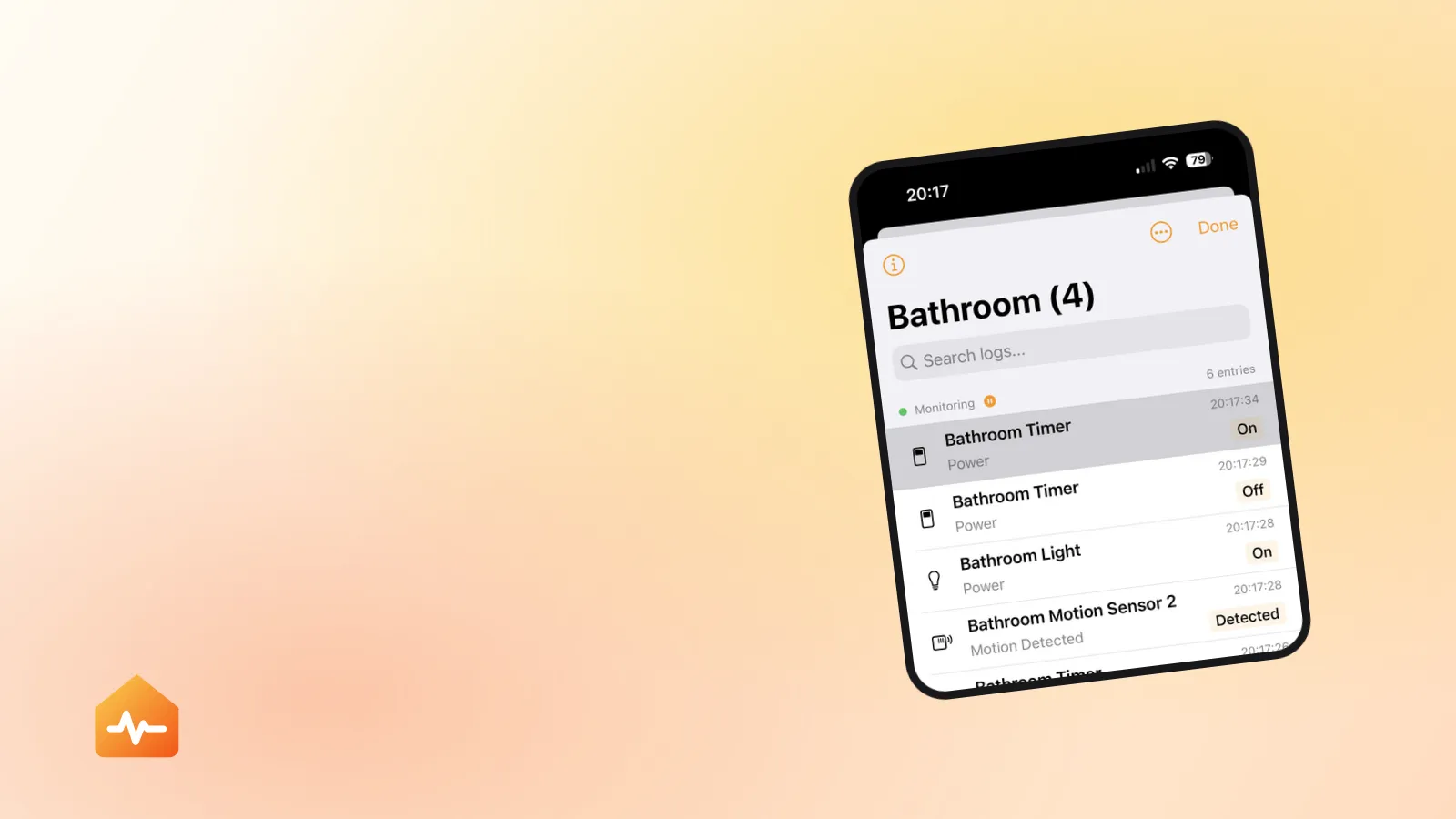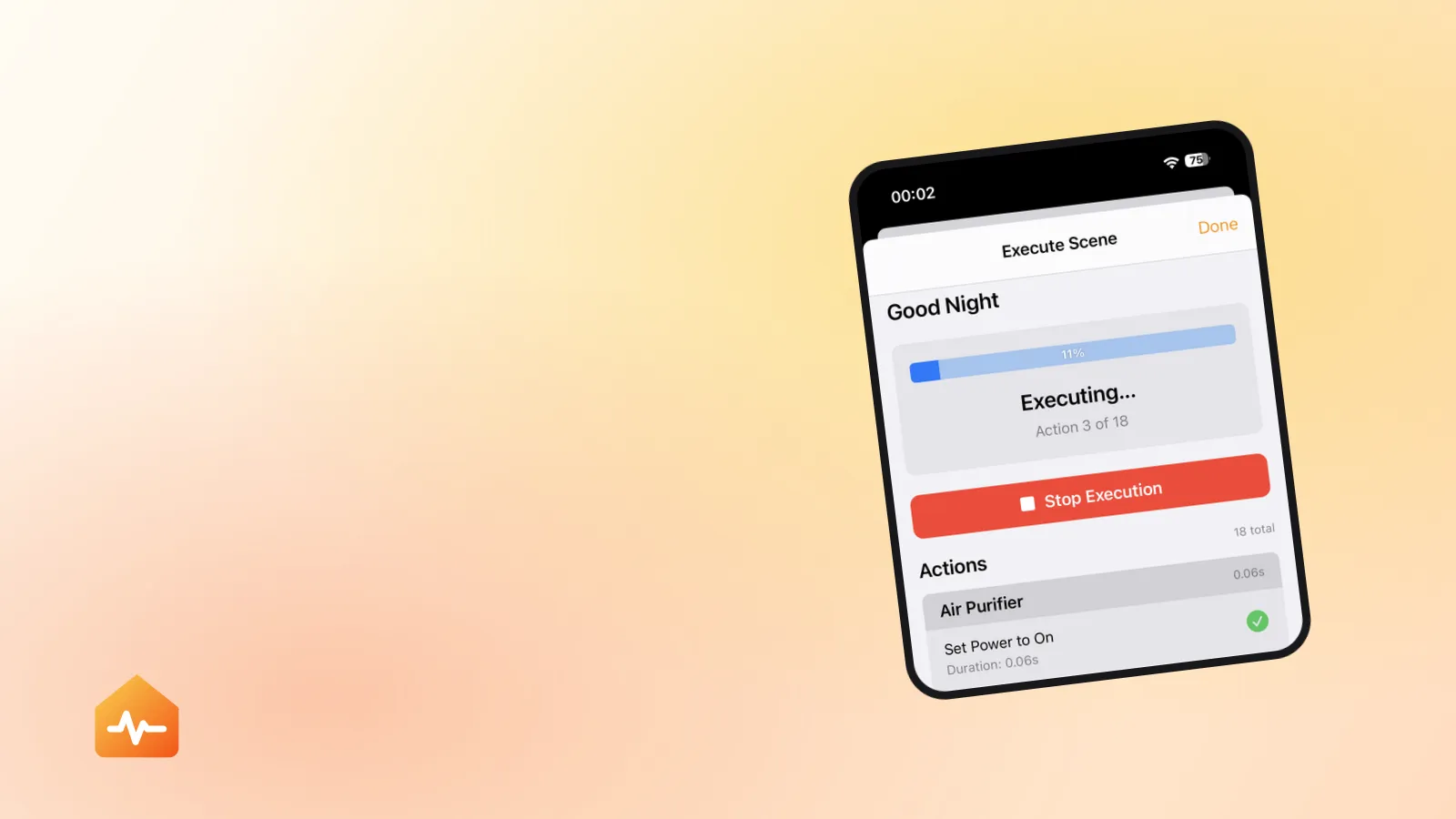
There are two completely different complaints that both get described as “my HomeKit automations stopped working”, and they need opposite fixes.
The first: nothing happens. The trigger time passes, the door opens, you arrive home — and no lights, no notification, nothing. The second: something happens, but not all of it. The scene runs, four lights come on, the fifth does not, and Siri tells you the scene “Failed”.
Separating those two is the whole diagnosis. This guide covers both.
First: does anything run at all?
Answer this before anything else, because it splits the problem cleanly in two.
| Symptom | Where to look |
|---|---|
| No automation runs, in the whole home | The home hub |
| One automation never runs, others do | Its trigger or conditions |
| An automation runs but half-completes | A specific action or accessory |
| Everything works when you are home, nothing when away | The home hub |
| Automations fire at the wrong time | Time zone, location, or a duplicate automation |
If nothing at all runs, stop reading here and go to diagnosing a home hub that is not responding. Automations do not execute on your iPhone — a hub that is offline stops every one of them while leaving manual control working, which is precisely why the failure feels so arbitrary.
When one automation never fires
The automation exists, it is enabled, and its moment comes and goes.
Check that it is actually enabled
Open the automation in the Home app and confirm Enable This Automation is on. Two things silently turn automations off: choosing “Turn Off” from an automation notification, and — the one that catches everyone — setting an automation to Turn Off After It Runs Once when you meant it to repeat.
Check the trigger can still be satisfied
Triggers stop being satisfiable more often than people expect:
- A person-based trigger (“When I arrive home”) requires that person’s location sharing to be on and their device reachable. It fails silently when they turn off location sharing.
- A sensor trigger requires the sensor to be responding. A motion sensor with a flat battery reports nothing, and nothing is not a trigger — sensor automations that never fire covers how to tell a dead trigger from dead actions.
- A time trigger tied to sunrise or sunset needs a home location set. Without one, it has no sunrise to fire at.
- An accessory trigger (“When the door unlocks”) breaks the moment that accessory is removed and re-added, because the new pairing is a different accessory as far as HomeKit is concerned.
Check the conditions
Conditions are silent by design — an automation that fires and then fails its conditions looks identical to one that never fired. The two that cause the most confusion are time-of-day conditions left over from a previous version of the automation, and “only if nobody is home” conditions that never become true because someone’s phone is always detected.
When an automation runs but does not finish
This is the “Failed” case, and it is a different animal. The trigger worked. The hub sent the commands. One or more accessories did not do their part.
The Home app tells you the scene failed but not which action failed — with twenty actions in a scene, that is nearly useless. There are three ways to narrow it down.
Reproduce it manually. Run the scene from the Home app while watching. Which accessory does not change? That is your candidate, though a slow accessory that eventually catches up will hide from this test.
Split the scene. Duplicate it, delete half the actions, run it. If it succeeds, the problem is in the half you deleted. Repeat. This works, and it is tedious.
Run each action individually and time it. This is the only method that also catches the slow-but-eventually-succeeds case, which is the most common cause of intermittent scene failures. The full procedure — including the cases where a scene reports success while the room is visibly wrong — is in what to do when a HomeKit scene says Failed.
Why partial failure is usually about time, not logic
An automation that runs 90% of its actions is rarely misconfigured. It has hit a timeout.
When a scene fires, HomeKit dispatches its commands and waits. Accessories that answer quickly complete; ones that answer slowly may not finish before the scene is judged. Response times vary hugely in practice — a well-placed Wi-Fi bulb might answer in 0.05 seconds, while an accessory behind a loaded bridge or at the edge of a Thread mesh takes well over a second.
This produces a specific and recognisable pattern:
- The same accessory fails in large scenes and works in small ones.
- It fails more often when the house is busy, and works when tested alone.
- It works fine every time you check it manually, which makes you doubt the report.
That last point is why measuring matters. An accessory that responds in 1.8 seconds every time is not “broken” by any test you would run by hand — but it will keep falling out of your morning routine. The fix is not to re-pair it; it is to improve its connection, move it closer to a router, or reduce what else is competing on the same bridge.
Automations that fire at the wrong time
A separate category with mundane causes:
- Sunrise and sunset offsets are relative to your home’s location. If the home location is wrong, or was never set, the offsets are wrong.
- Time zone changes — travelling with your iPhone does not change the home’s time zone, but people often assume it does when an automation fires an hour off.
- Duplicate automations. Two automations doing similar things at slightly different times feel like one automation firing erratically. This happens most often after rebuilding automations that broke.
- “Turn off after 1 hour”-style follow-ups left attached to an automation from earlier experimentation.
Cleaning up what silently accumulates
HomeKit setups collect dead weight, and none of it is visible in the Home app.
Scenes with no actions. Created, emptied, never deleted. They appear in the Home app and in Siri, and do nothing when activated — which reads as a failure to the person who triggered them.
Automations referencing deleted accessories. These fall into two groups, and the distinction matters:
- Those that can no longer fire at all — the trigger itself is gone. These are safe to delete.
- Those that fire but break partway — the trigger works, but an action or condition points at nothing. These need repairing in the Home app rather than deleting, since the automation is still doing something useful.
Duplicate scenes from experimentation, differing by one accessory, where you can no longer remember which is the one Siri uses.
Working through all of that safely has one rule worth stating on its own — delete only what can no longer fire, and repair anything that still runs. Finding and deleting broken automations covers the distinction and the automations that refuse to delete at all.
None of this is urgent on its own. It matters because it is exactly the material that makes the next problem hard to diagnose — when half your automations are already broken, working out which failure is the new one becomes guesswork.
A sequence that works
-
Establish whether anything runs. Nothing at all points at the hub; some things running points at specific automations.
-
For an automation that never fires, check that it is enabled, that it is not set to run once, and that its trigger and conditions can still be satisfied.
-
For an automation that half-runs, identify the failing action by running actions individually — not by reading the scene definition, which will look correct.
-
For an accessory that fails only in large scenes, measure its response time rather than re-pairing it. Slow is a different problem from broken, and re-pairing does not fix slow.
-
Once fixed, clean up. Delete empty scenes, repair automations pointing at deleted accessories, and remove duplicates — so the next failure stands out instead of hiding in the noise.
If an individual accessory keeps turning up as the failing action, the problem has moved out of automation territory and into accessory troubleshooting — where the question stops being “why did the scene fail” and becomes “why is this one accessory unreliable”.